
Getting Monitored
What are you looking at? It’s a monitor of some description!
Portals into the digital world for most of us1 these impressive feats of electrical wizardry display anything and everything in a way so well done that it tricks our brains into thinking it’s real. If it wasn’t for them we’d still be churning through paper sheets from various printers or looking at those mesmerising displays of blinking lights.
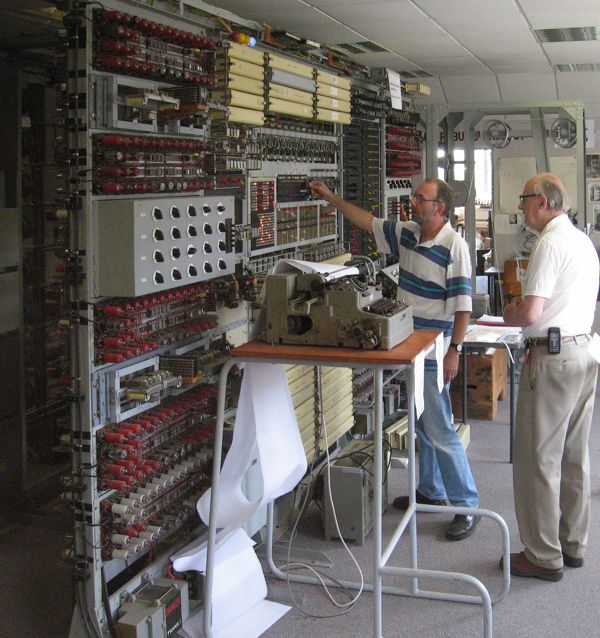
My first monitor was a 15” CRT attached to a Compaq Presario sometime in the mid 90’s. While this feels a long time ago it has more in common with today’s displays than anything just 5 years before it. Capable of displaying 8 bits of colour information across Red Green and Blue for a total 24 bit depth selection of colours; refresh rates of 60Hz and above and a resolution of 1024x768 it wouldn’t be too difficult to use it as your only monitor today. I don’t think anyone outside of hardcore retro-heads would entertain the idea for more than a minute. My second monitor could still be your daily driver!
Bought just around the turn of the millennium my CTX 19” tube was a monster. Capable of an impressive 1600x1200 at 60Hz with the full 24bit colour depth it would keep up with today’s HD flat panels. With a true flat2 glass screen it looked fantastic but unlike an LCD screen it took up serious desk area. The depth of the tube and casing was more than the size of the display! While the flat glass front was excellent to look at it came with a serious weight cost. I distinctly remember the effort it took carrying this screen up to my 4th floor student halls.
At some point during my first year I remember going to a LAN party at another university. Since I had to take the train to get there I didn’t bring my own PC and was just hopping about playing whatever was free. Someone had a wheel and I was trying out a racing game on a spare LCD. This was the first and only time I remember dealing with LCD’s infamous input lag. It was so large that I was constantly steering off track and crashing! None of my own monitors ever exhibited that much lag but it did make me aware of how bad it could be on those early generations.
After my first term at university was done I dragged my beloved tube home and replaced it with a 17” combination TV and PC display. This is3 an LG L173ST which sports a modest 1280x1024 resolution and unlike most computer monitors could accept not just VGA and DVI but SCART, S-Video and had an inbuilt RF module to accept broadcast TV! This was a huge bonus at the time as I was stuck in halls for the rest of the year and needed a way to hook up my PlayStation 2.
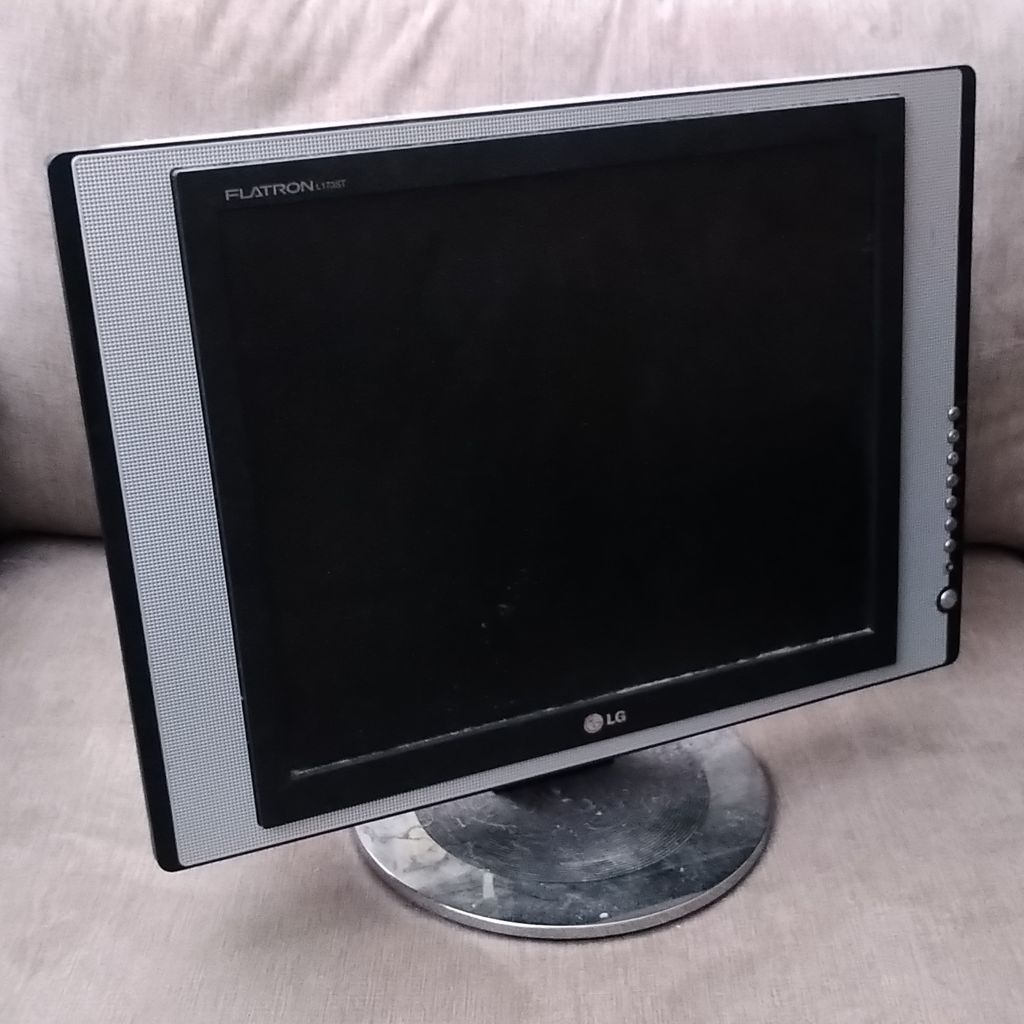
Despite the step down in resolution and colour quality the incredible thinness of LCDs gave me back almost all of my desk and unlike the CRT did not require me to keep my window open during winter just to cope with the heat. Dropping the resolution did hurt but the previous 1600x1200 had always felt like an ultra luxury in the Windows 98 and XP era so I never really noticed the downgrade. I was too busy playing Morrowind instead of studying!
I kept hold of this LG screen for the rest of my first year and after moving to a shared student house for my second year continued to make full use of its adaptability. Playing Ace Combat 5 and Gran Turismo 4 took up most of my time. It was this year that I also picked up a pair of Alesis M1 studio monitors but that’s a story for another post.
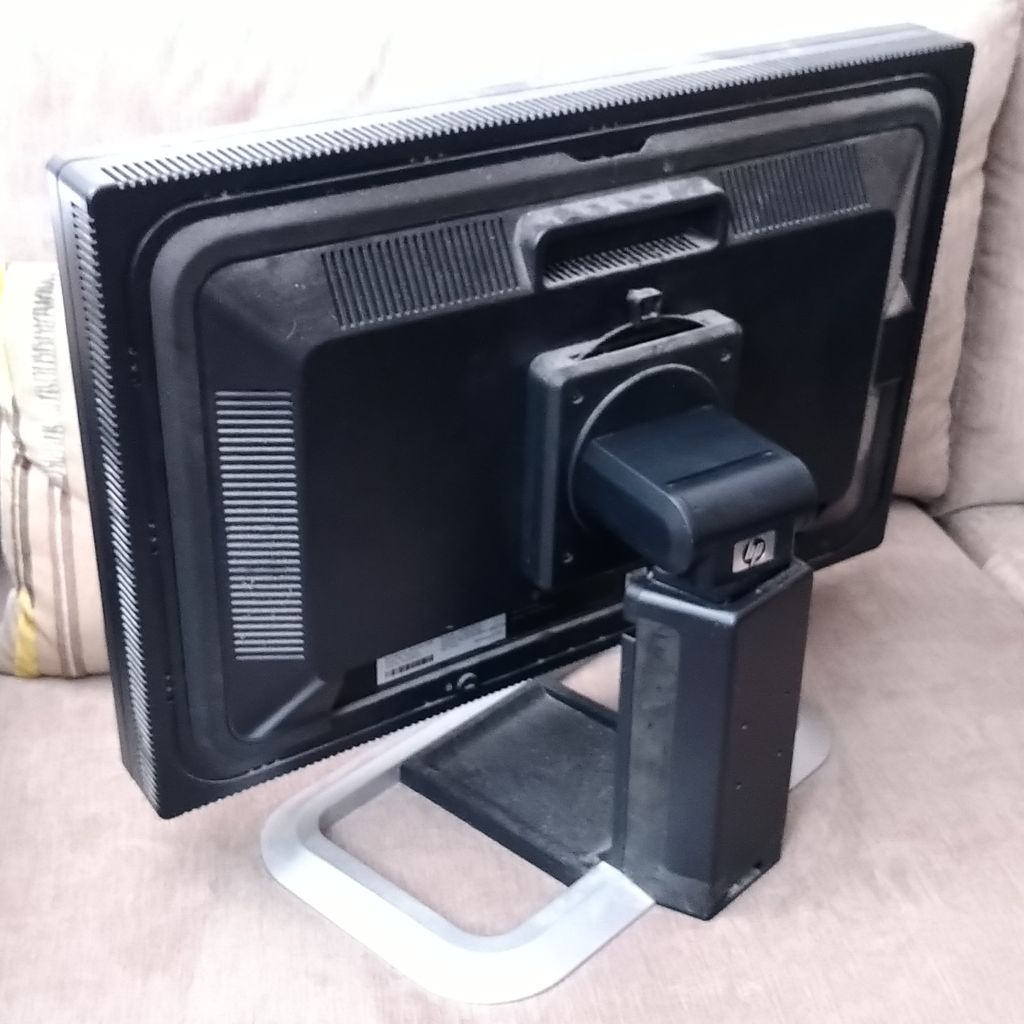
As the years moved on I moved out of that shared student house and into a professional apartment with a friend. This finally afforded me a decent sized room and I began to expand my equipment to take up all available space. After starting to work for another friend who had dropped out to start their own company I wanted to upgrade my setup. What turned up on all the review sites was a new HP IPS screen which boasted CRT like viewing angles4 and the most complete set of inputs I’ve ever encountered on any monitor. These were HP’s LP2475w: 24” IPS colour accurate panels that came equipped with 2xDVI, Display Port, HDMI, S-Video and full Component inputs! Unlike a lot of cheaper displays they were capable of displaying 10bit colour channels; this was completely lacking OS support and has only recently become common in the form of HDR10 capable displays.
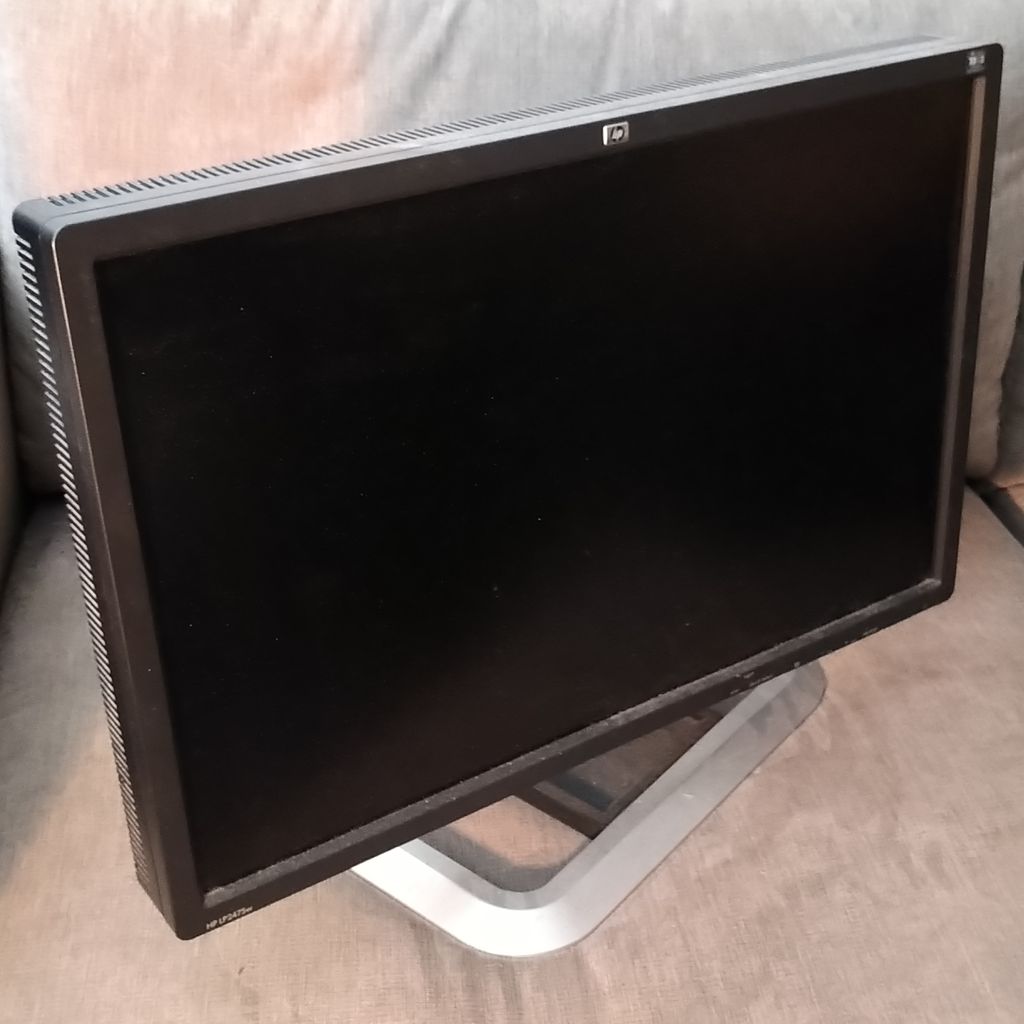
Such capabilities came with a price as each one set me back around £500 in 2008 and I bought two of them. My argument was that your monitor controls everything you see from your computer and that buying decent ones I’d be able to keep them for a long time. While I was confident they would last at least 5 years from then I had no idea how well I’d hit the mark.
Unlike conventional TV displays it was common for professional computer monitors at the time to use the 16:10 aspect ratio. This gave slightly more vertical display than the equivalently sized 16:9 TV. If you’ve ever worked on a computer you’ll be aware that almost everything is displayed vertically so the extra 100 or so pixels really count. I’ve heard that the reason for this was to allow for TV content to be worked on at 1:1 scale with room for various editor controls to the top and bottom.
At one point I remember having obtained a spare 20” 4:3 HP screen from the office and paired with my previous LG was running a quad screen setup. This was mostly for show although I did use it for playing EVE which combined with TeamSpeak and various system maps made full use of all my screen estate.
It turned out that these HPs were the last generation of top end 16:10 displays and from then on all manufacturers shifted to 16:9. My initial 5 year expectation came and went and I was still confident that my screens were just as good as anything else on the market. I was pretty much correct too as colour accuracy was stuck on the same IPS technology. Advances in refresh rate started to be made but these all required “inferior” TN panels which would mean sacrificing colour depth and accuracy for an extra 30Hz of refresh. Not being a competitive gamer I wasn’t interested in them.
At some point I obtained another 24” but while still being 16:10 it was a cheaper TN model. I settled on a triple setup with the two IPS beasts in horizontal and the cheaper TN to the side vertically. While I don’t remember the exact date anymore I’m confident that this was my setup around 2013 or so as I remember spending my weekends playing Skyrim or Final Fantasy XIV.
The years rolled on and every so often I’d dip into the world of monitors and see if I could be convinced to upgrade. Every time I’d find that 16:10 was dead and there wasn’t really much else happening. Refresh rates slowly climbed higher but still required TN or later VA panels and nothing ever came close to the number of inputs. I was convinced that the monitor industry had given up on professional displays and was only improving things for gamers.
At some point the ultra-wide monitor was introduced. Initially by bolting together two smaller displays and then into the curved monsters we still have today. While some people swear by these5 my triple setup gave me all the width I needed and the natural breaks at the edge of each screen were just right for me to organize my desktop.
Some 15 years after those HPs first graced my desk there was finally something worth upgrading for: 4k. These doubled the resolution from 1920x1080 to 3840x21605. At first I had hoped that the significant bump in resolution would re-ignite interest in professional 16:10 displays. Unfortunately the world had moved on and despite seeing the occasional comment in a review it seemed I was living in the past. The first generation of 4k displays did not tempt me but I was beginning to crack.
Each year Dell would release a new line of monitors and I would look over them. While I was sticking to my 16:10s at home every office I worked in was kitted out with 16:9s which slowly grew from 23” to 27”. But just 4k as the upgrade was not enough to move me.
With my screens now reaching nearly 20 years of service it was starting to show. One had developed a small dark patch that suffered from burn in. I almost thought it was over when I first found an idle game’s UI7 burnt in. Thankfully spending some time turned off was enough to recover the damage but my resolve was shaken. Several times the screens would fail to turn on and require multiple power cycles to finally come to life. At one point the same screen developed a smattering of stuck pixels in a bright shade of red but they thankfully went back to normal after a few tense power cycles.
Finally Dell hit the mark with their 4k 120Hz ISP-black range. While still being 16:9 they offered a noticeable improvement in colour with far superior contrast ratios and much deeper blacks than traditional IPS panels. This had always been the downside of IPS which could only manage 400-500 combined with a white tint viewed from extreme angles. With a 120Hz refresh rate they would not only bring me into the 4k era but also free me from 30 years of 60Hz. They also included Thunderbolt 3 connectivity and while they offer DP chaining to reduce the number of cables required their 4k120 capabilities makes this somewhat unusable.
I was sold and so were they. I bought two 27” U2725QE versions for around £500 and was finally ready to move on. Not wanting to deal with multiple refresh rates and pixel densities I also picked up a third 4k120Hz IPS screen S2725QS for around £200 without the fancy black technology or Thunderbolt ports to replace my vertical one.
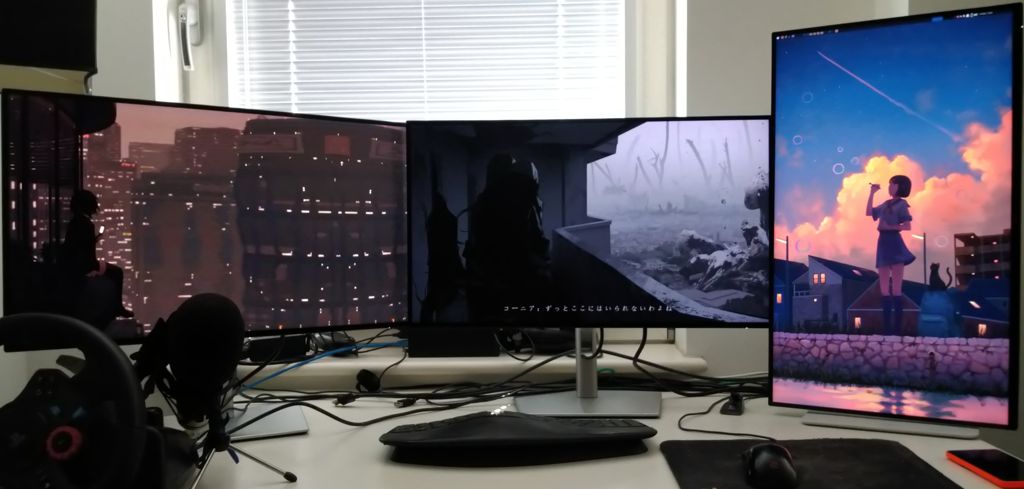
It’s been a few months now and I’m just as happy with them as I was with my stalwart HPs. The main screens are fantastic and are a true upgrade. The colours look fantastic with the improved black being a noticable improvement. Doubling the pixel density means text looks incredible with sharp edges and smooth curves. As most of my time is spent staring at code this is their main benefit. The improved refresh rate isn’t something I actively notice and as I didn’t upgrade my graphics card from a 3060Ti it does struggle to even hit 60 at times.
As to be expected there are a few downsides. The most noticable is the undersized stand that dell ships with them. While it’s heavy enough to keep them anchored down well it is nowhere near as stiff as the behemoth arms that HP used. As a result I do notice the screens wobbling back and forth while typing. This isn’t helped by the outer two being slightly over the edge of my desk due to the increased width but it isn’t what I’d expect from such high end displays. At some point I’ll replace them with decent monitor arms.
One unexpected surprise was how quickly TB3 would be useful as I was able to connect my work laptop up with it. This then results in a single cable providing power to the laptop while handling display connectivity. Only requiring a single cable and having the screen automatically switch input made jumping in and out of work mode a lot easier. No more dealing with heavy power supplies and needing to plug and unplug whenever I have to go into the office.
The cheaper S2725QS does suffer quite noticeably from ghosting. While this isn’t a problem in day to day use as it isn’t enough to be visible just moving around Discord or IRSSI it does concern me. After a full day of use there are noticable marks from where windows have been. I don’t think this will cause burn in but it does feel like a step back when my previous screen had no issue.
While I won’t recommend this exact setup as you should research and pick what’s best for you I still maintain that you should spend as much as you can on your monitors. They’re going to last! I hope to be using these for another 20 years but who knows what computers will be like by then.
Originally published on 2026/08/29